Login
It is important that you login to WhereYouGo, for my guide to work. The App will work without. But will not download using links from the official Geocaching app or C:Geo
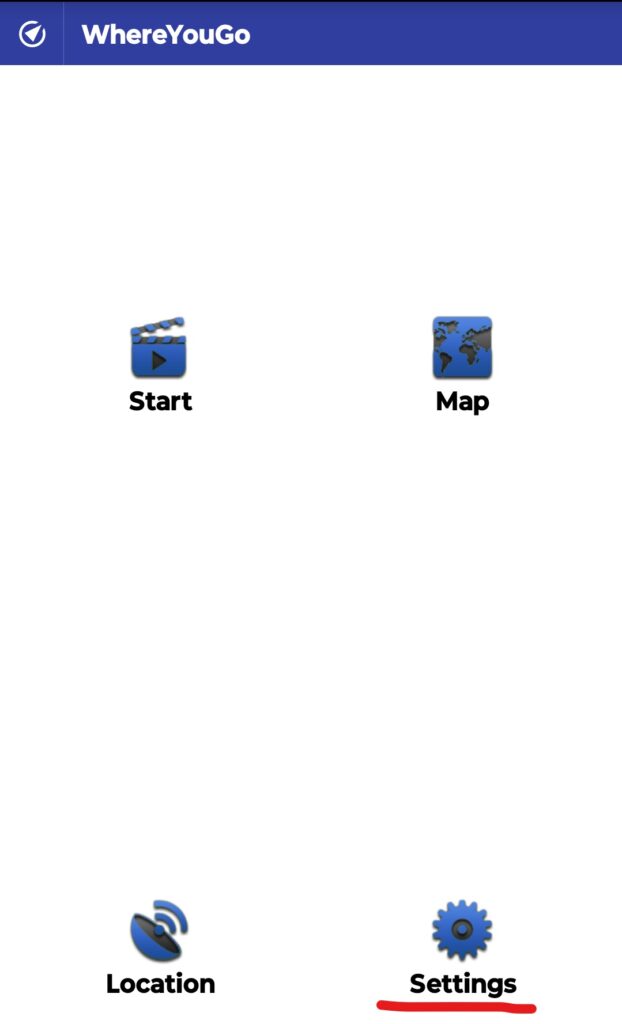
Open the app, and open “Settings”
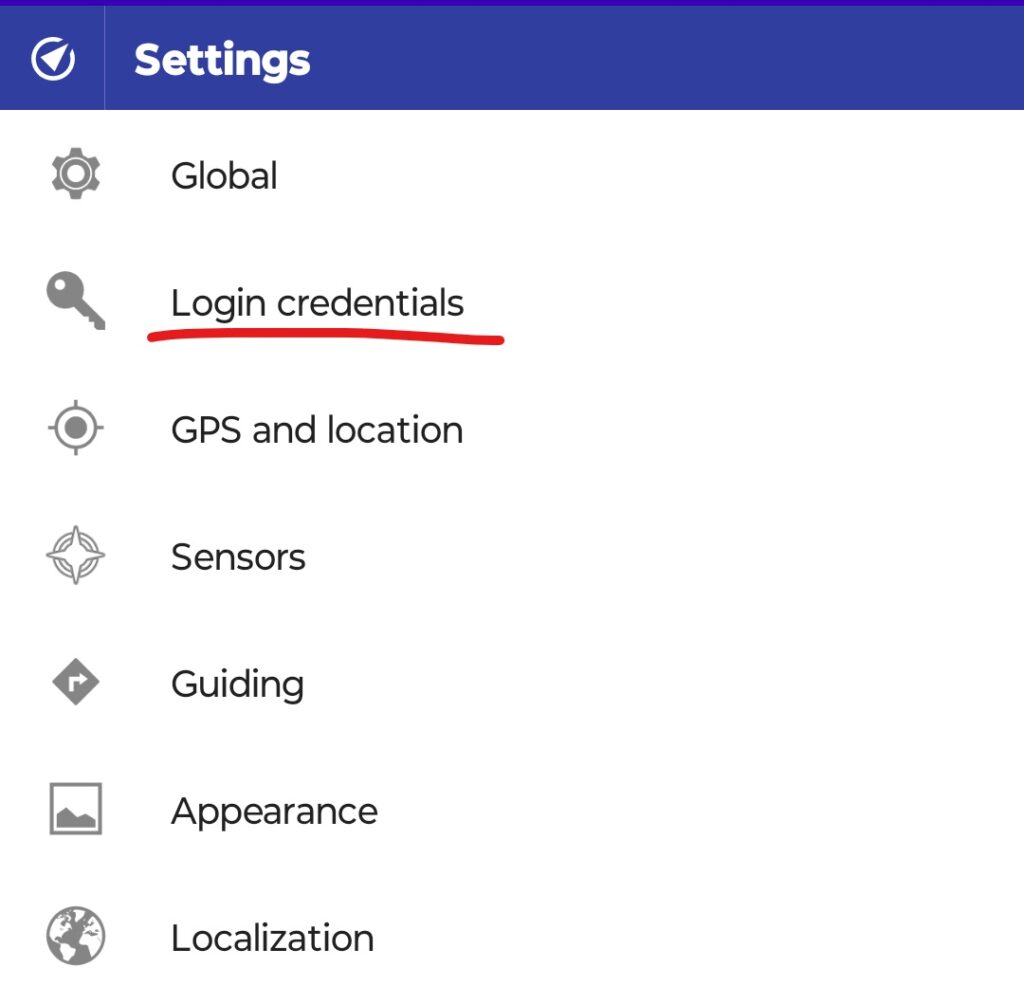
Open “Login Credentials”
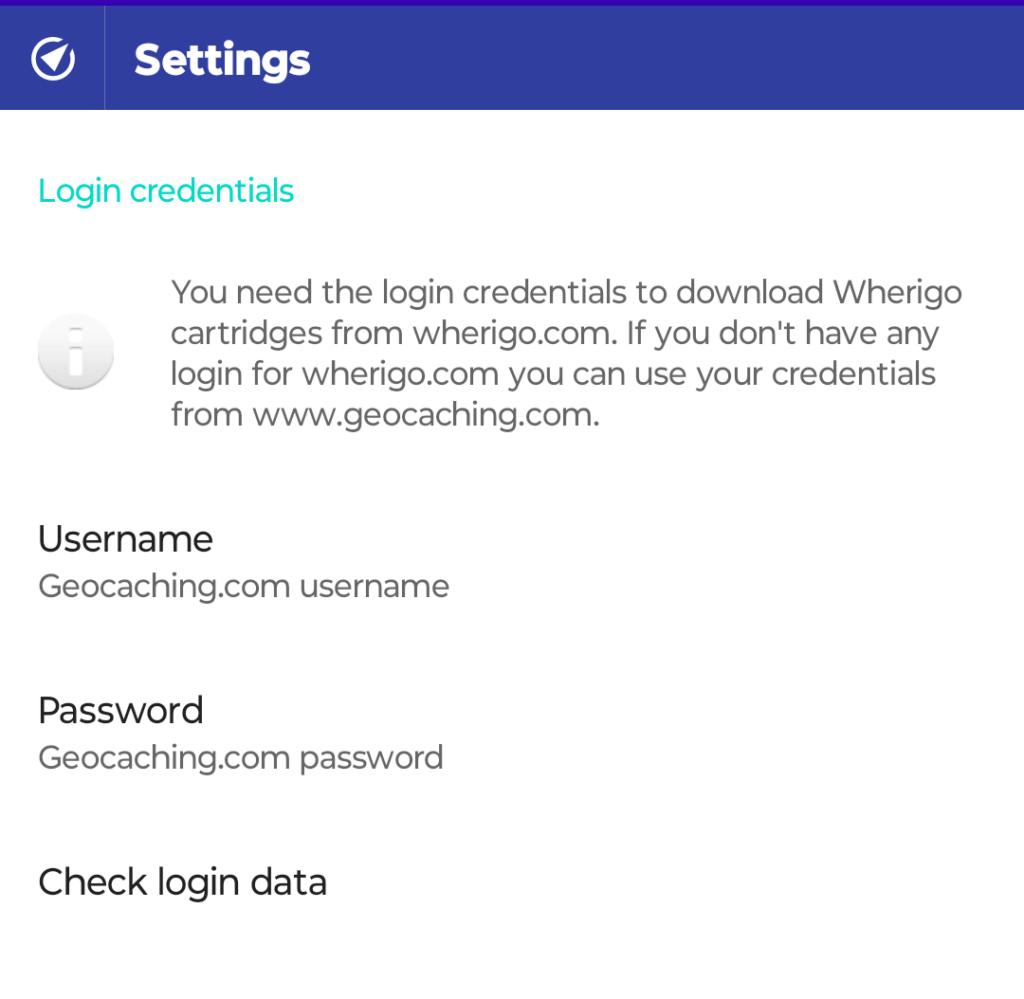
Enter your Geocaching Username and Password in the areas for these.
Once done, please “Check login data” if the app proceeds to the frontpage of the app all is good. If it thrown an error or crashes your username or password is wrong.
Errors that I know of
Check login data
If “Check login data” thrown an error. It is because your login informations for Geocaching.com were wrong. On my phone it looks like this. But the app does not stop. There must be some error handeling in the app that needs a review by a programmer.
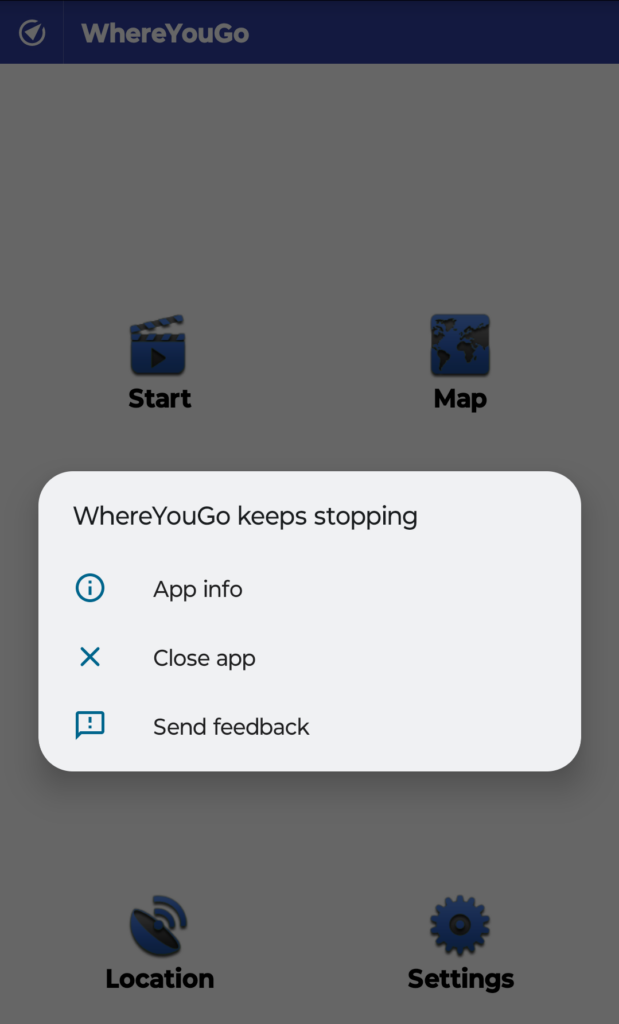
Error when downloading
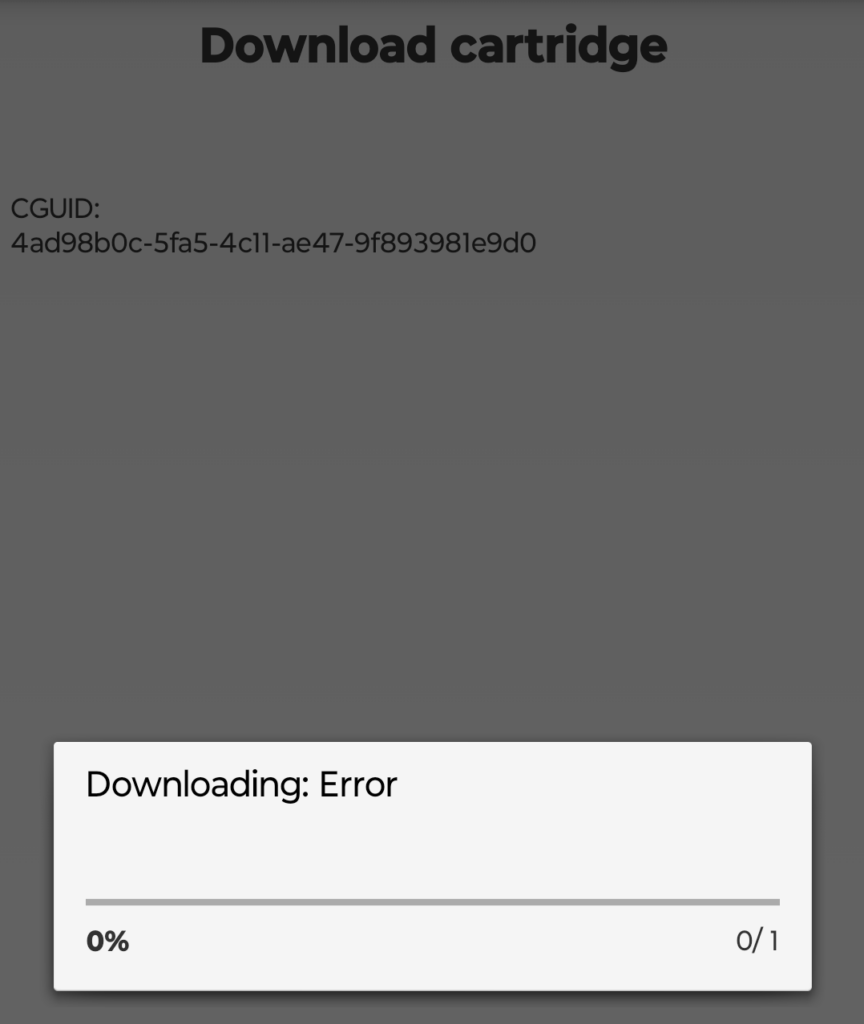
If you get an “Downloading: Error” when downloading from the Geocaching or C:Geo app like on the picture. The most likely fault is that you are not using the same credentials for WhereYouGo and the App you are geocaching with. It has to be the same user in both apps.