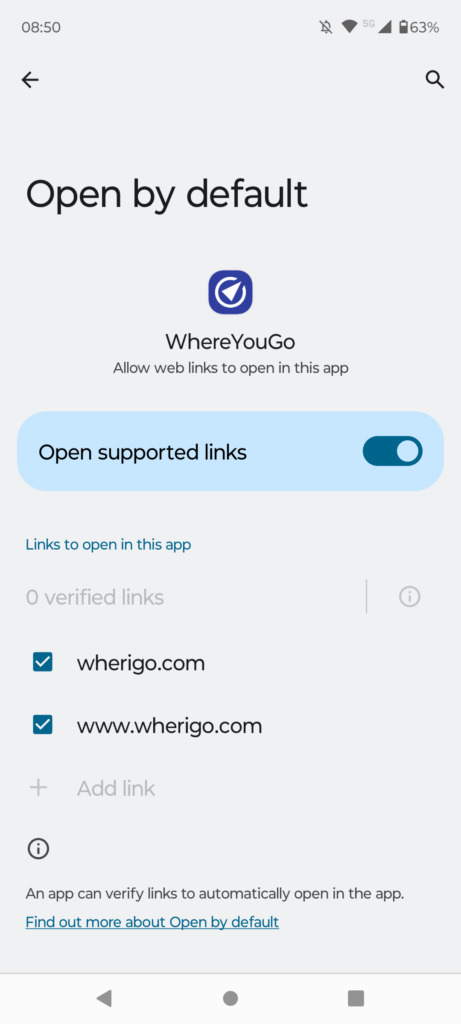
Newer Android phones, with Android 12 or newer has a problem with WhereYouGo. The problem is due to a change in the Android 12 operating system and that WhereYouGo needs programmers that will work for free to fix the system (keeping the app free for us users).
There is how ever a relatively simple hack to get WhereYouGo to download cartridges directly from your geocaching app.
Before you start using this guide you must have installed WhereYouGo and be loggid into the app. Using the same user as you do in your geocaching app.
You can get a little help here.
Screenshots are only there as an Example it may look different on your phone. Please don’t be scared from trying by this fact.
Xiaomi users may have to install a helper app: Better Open With
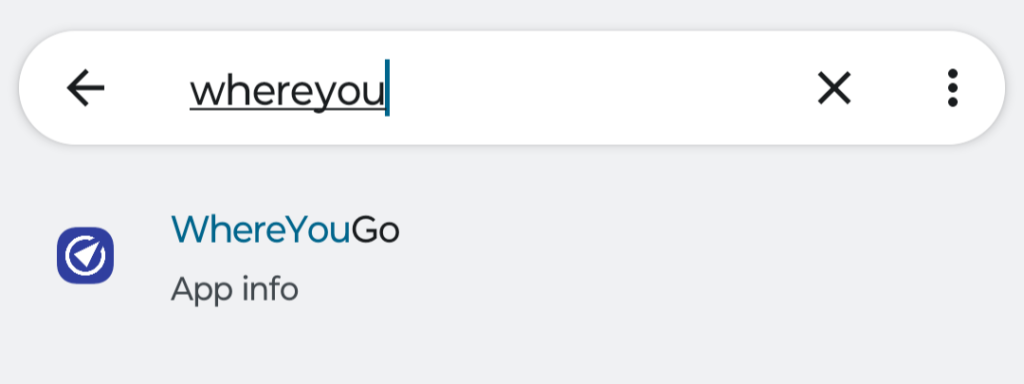
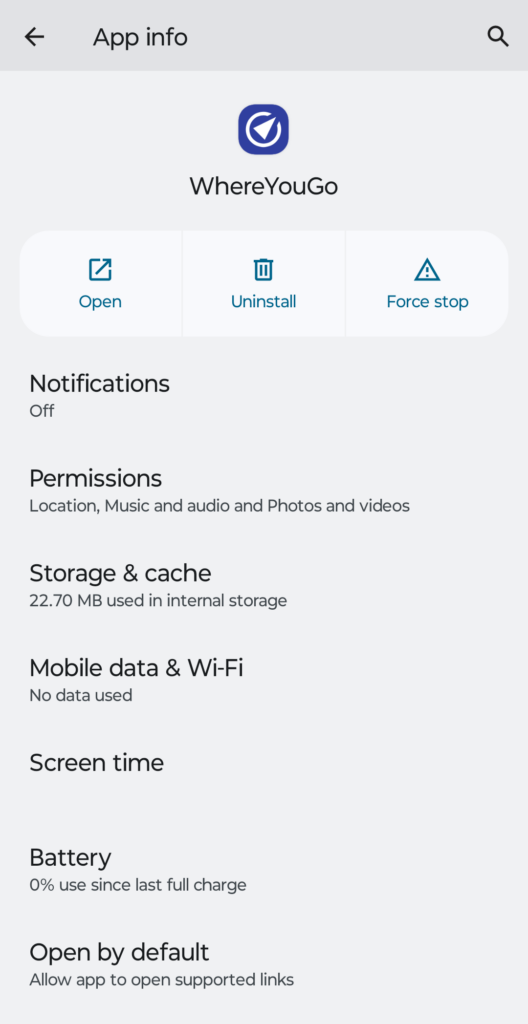
Press and hold the WhereYouGo logo until a menu pops up, select “APP info” from this menu.
Alternatively go to settings on your phone. In the search area type “WhereYouGo” and select the app when it shows.
Select “open by default”
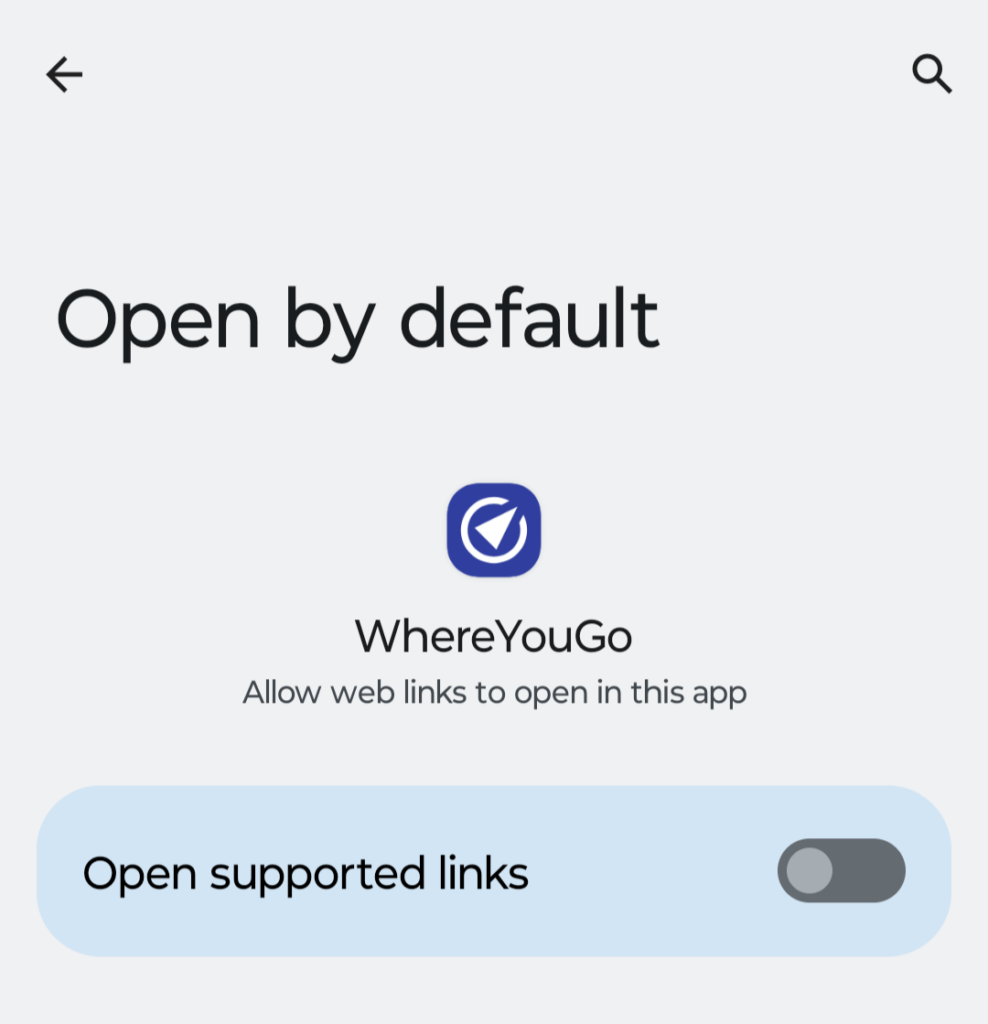
Make sure that “Open supported links” is ON.
Select “Links to open in this app” if no links are visible.
Choose both links.
You can now exit Settings and start your Geocaching app to test if it works by clicking the link to the cartridge you want to play.
It may help to have the WhereYouGo app open before selecting the link from the geocache description.